Know where your team stands, in writing.
A workforce report on the 1st of every month, a HireX record for every new hire, and letters that can be checked at the source. Dated, standard and kept on file in your workspace.
Letters are live today. The monthly report and the HireX record are rolling out.
For the owner or HR lead who gets asked “where do we stand?”
Monthly workforce reportRolling out
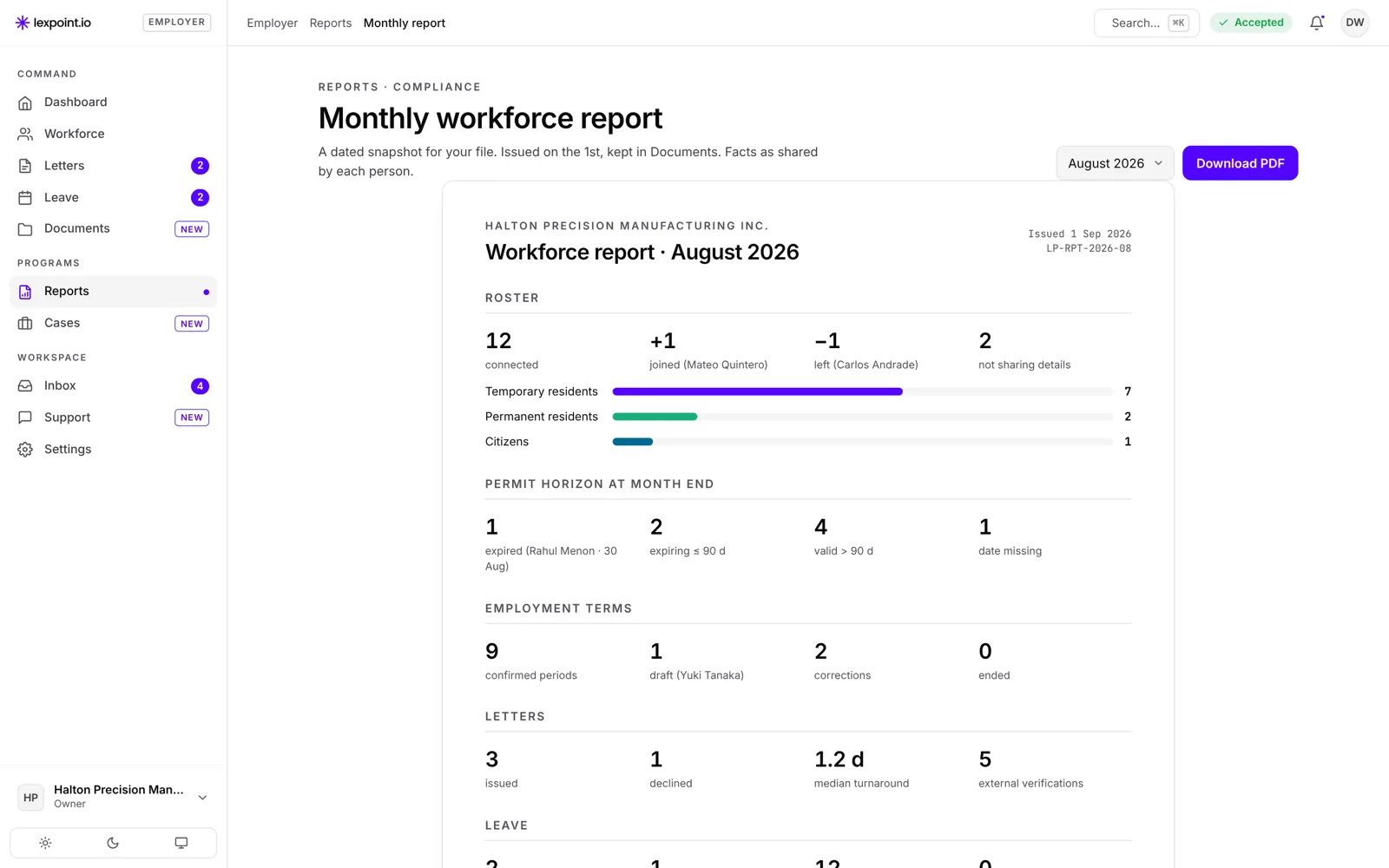
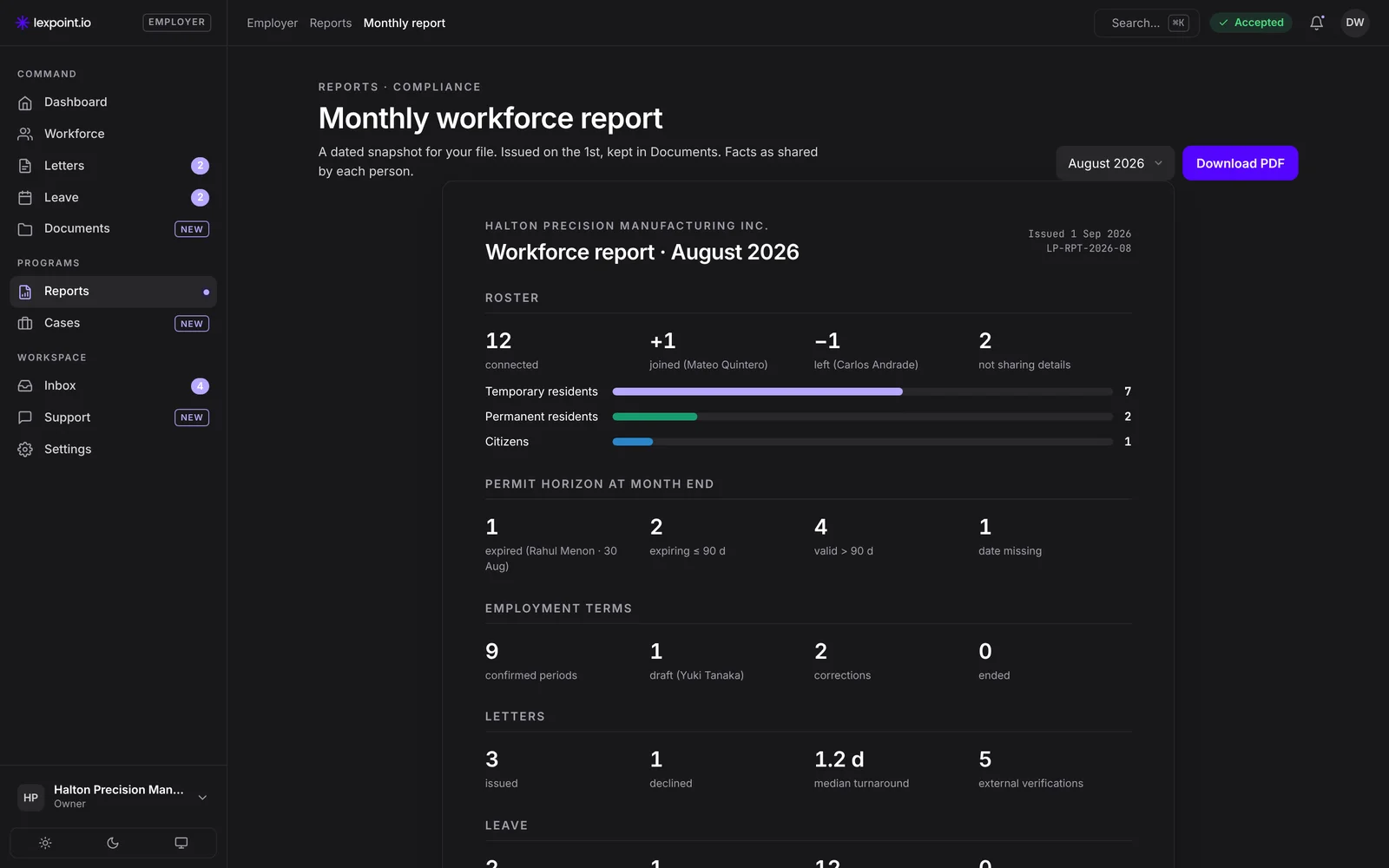
Your month, on one page, on the 1st.
One dated report for your file, built from what each person has shared. No spreadsheet to keep up, nothing to chase.
- Roster: who joined, who left, and who is not sharing details
- Permits at month end: expired, ending within 90 days, valid beyond, and dates still missing
- Employment terms: confirmed, in draft, corrected or ended
- Letters and leave: issued, declined, turnaround and outside verifications
Numbered and dated, kept in Documents, ready to download as a PDF.
For the hiring manager about to make an offer
HireX recordRolling out
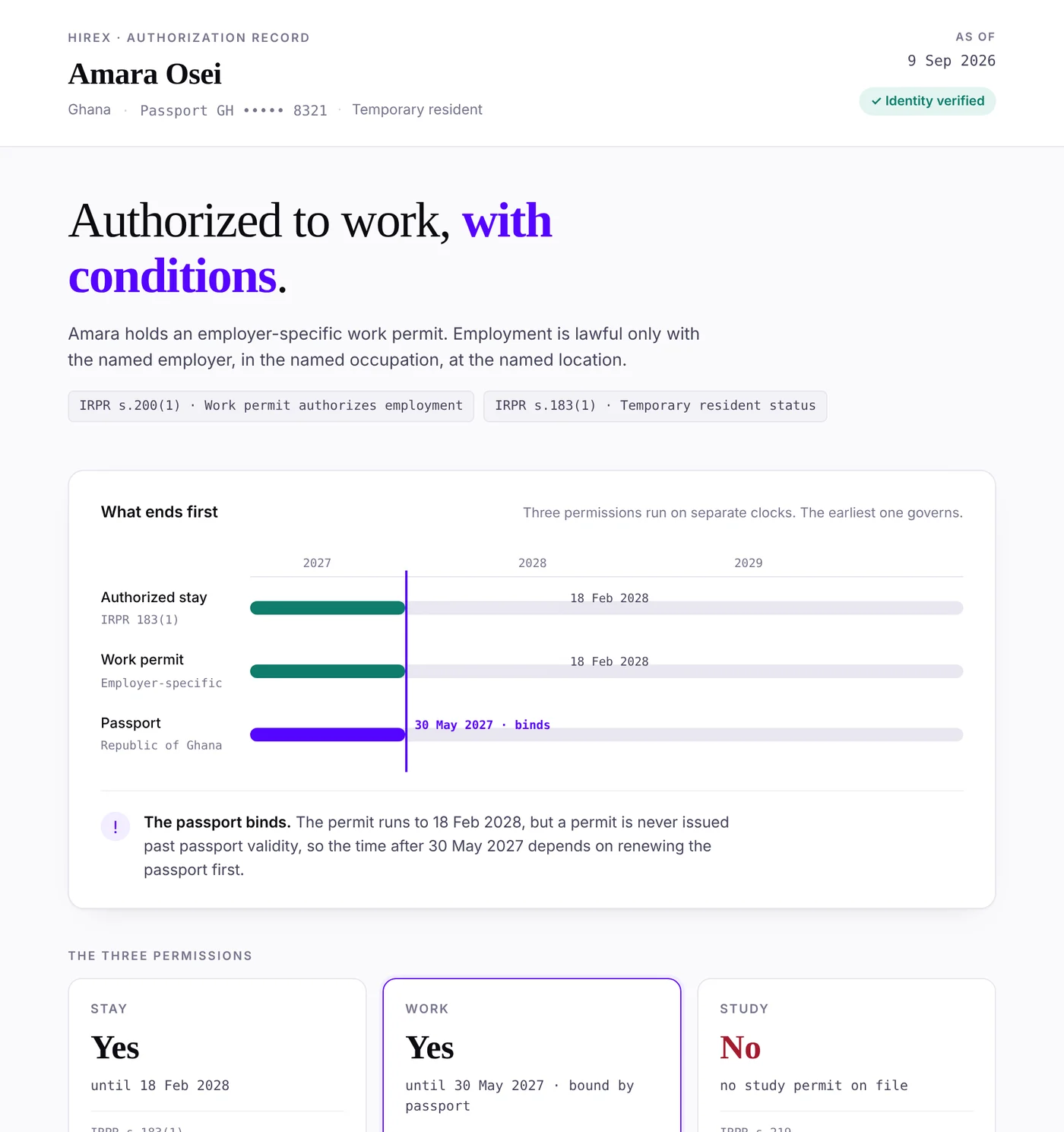
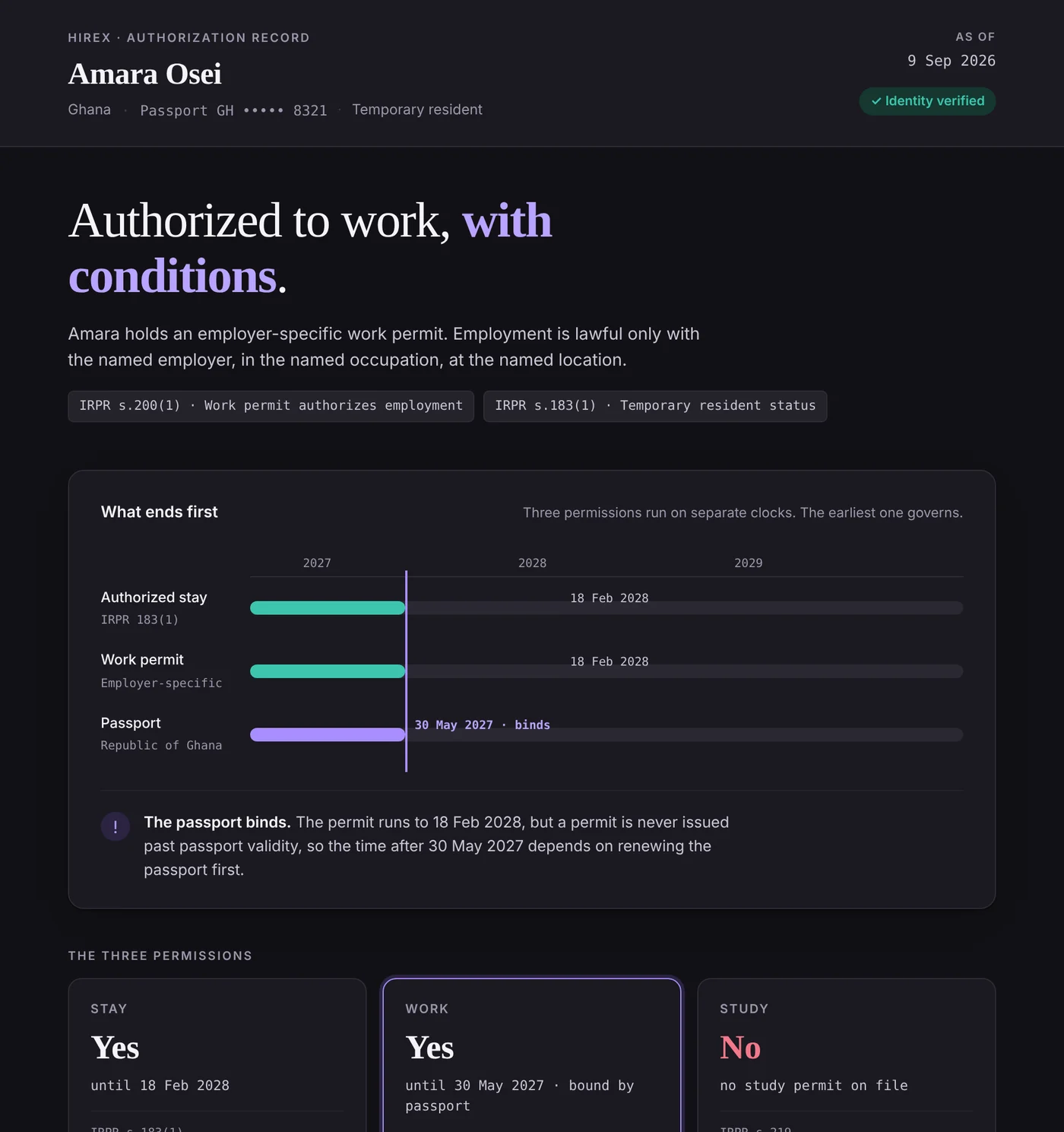
Before you hire: what their documents show, and when each one ends.
A candidate or employee will share their HireX record with you from their own account. It reads their permit, status and passport together, and shows which one ends first.
- Work, stay and study: what each document allows, and until when
- The date that governs, such as a passport that ends before the permit
- The rule behind every answer, cited
- Shared by the person from their own account, and theirs to withdraw
Use it before an offer, at a renewal, or when a role or worksite changes. A HireX record reads the documents on file; IRCC decides status.
Employment letters
Letters with nothing left out.
A letter missing duties, hours or dates can send your employee back for more documents. Every Lexpoint letter follows one standard, and anyone can check the original at the source.
- 1CompleteRole, NOC, duties, dates, hours, pay, breaks and signatory, every time.
- 2SectionedThe same sections in the same order, with a scheduled-hours appendix and an audit trail.
- 3VerifiableA QR code on every page opens the signed original, on file at lexpoint.io/v.
Also in your workspace
Every person, and every worksite.
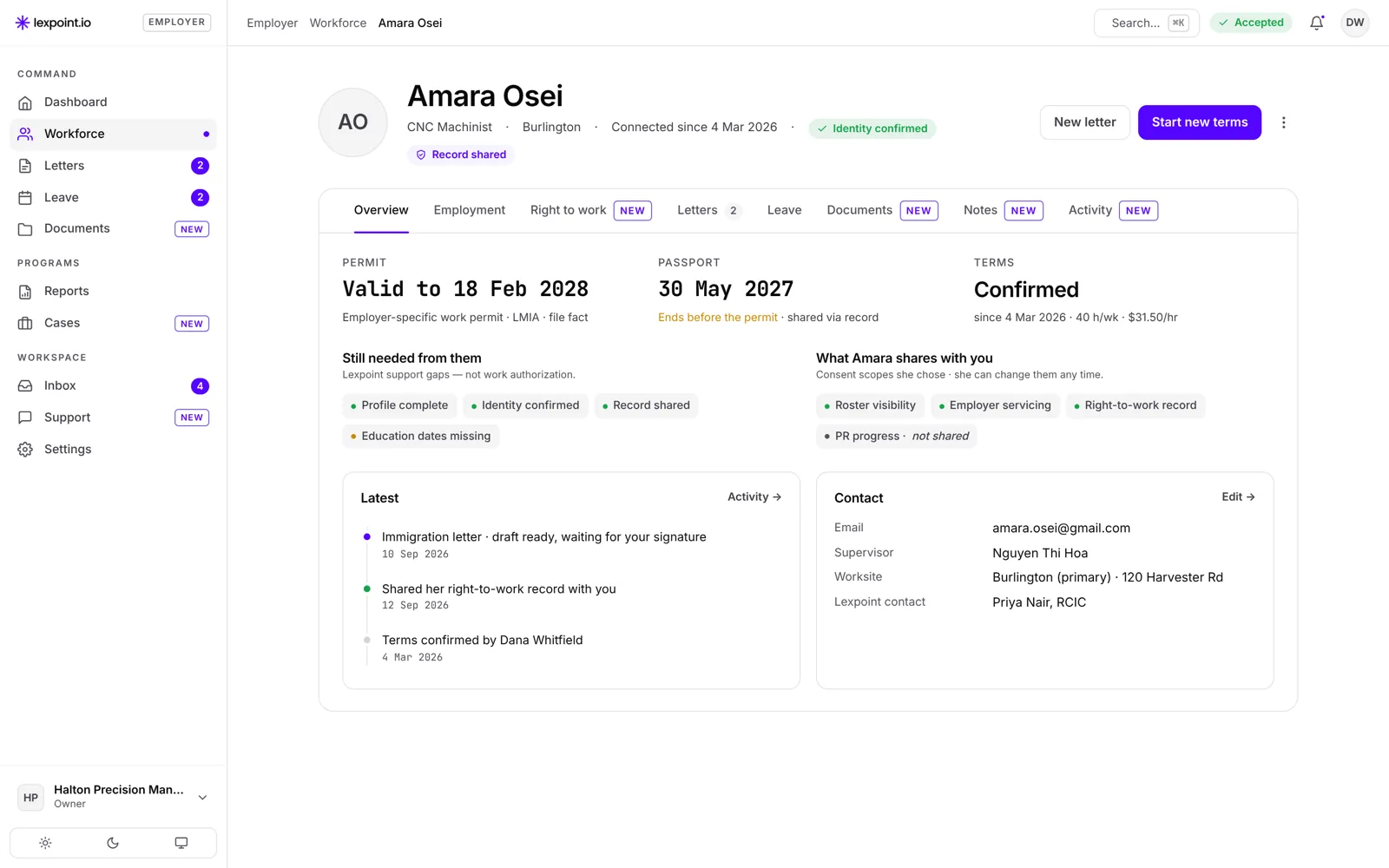
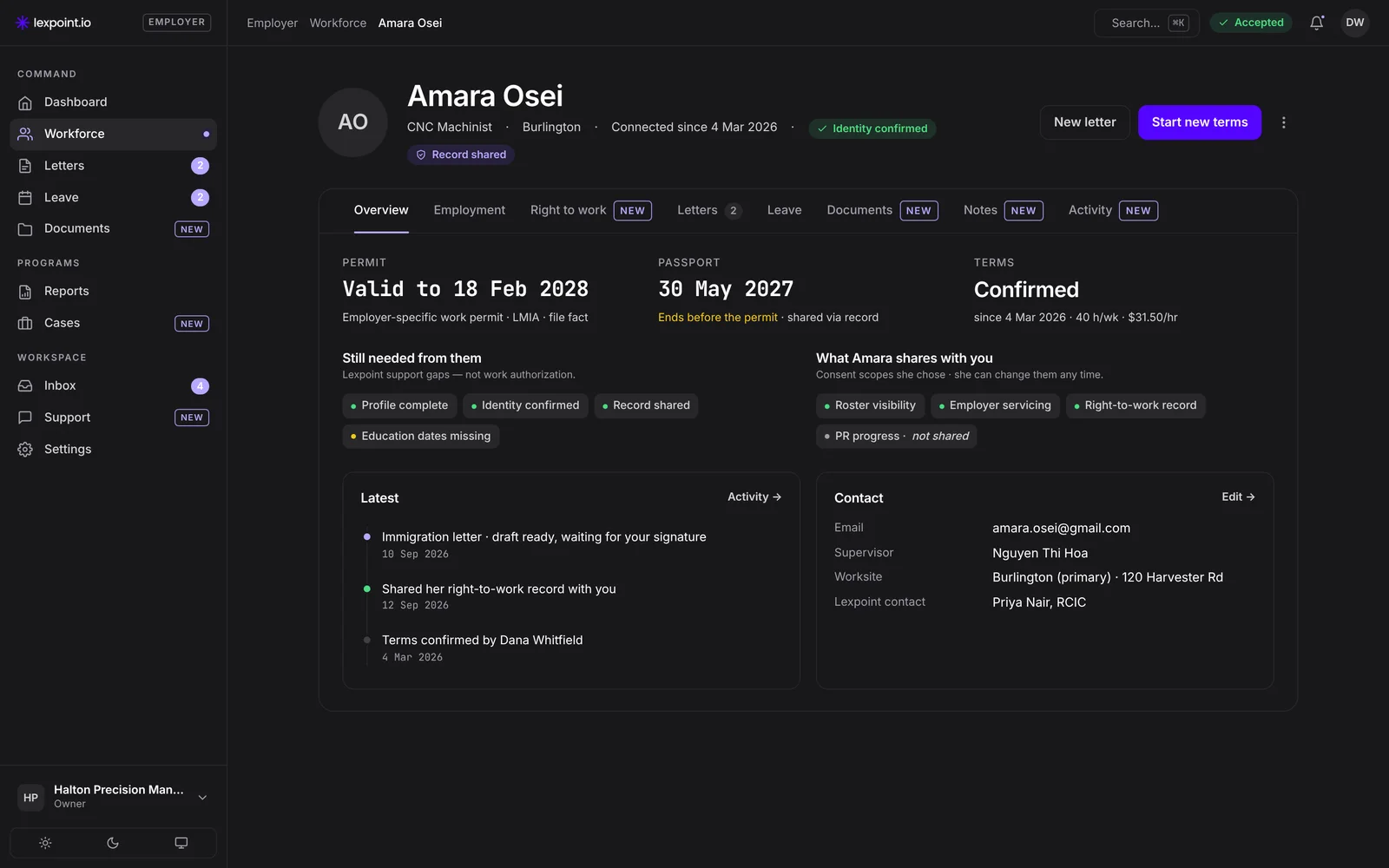
One page per person
Permit, passport and terms side by side, with what is still needed and what the person shares with you.
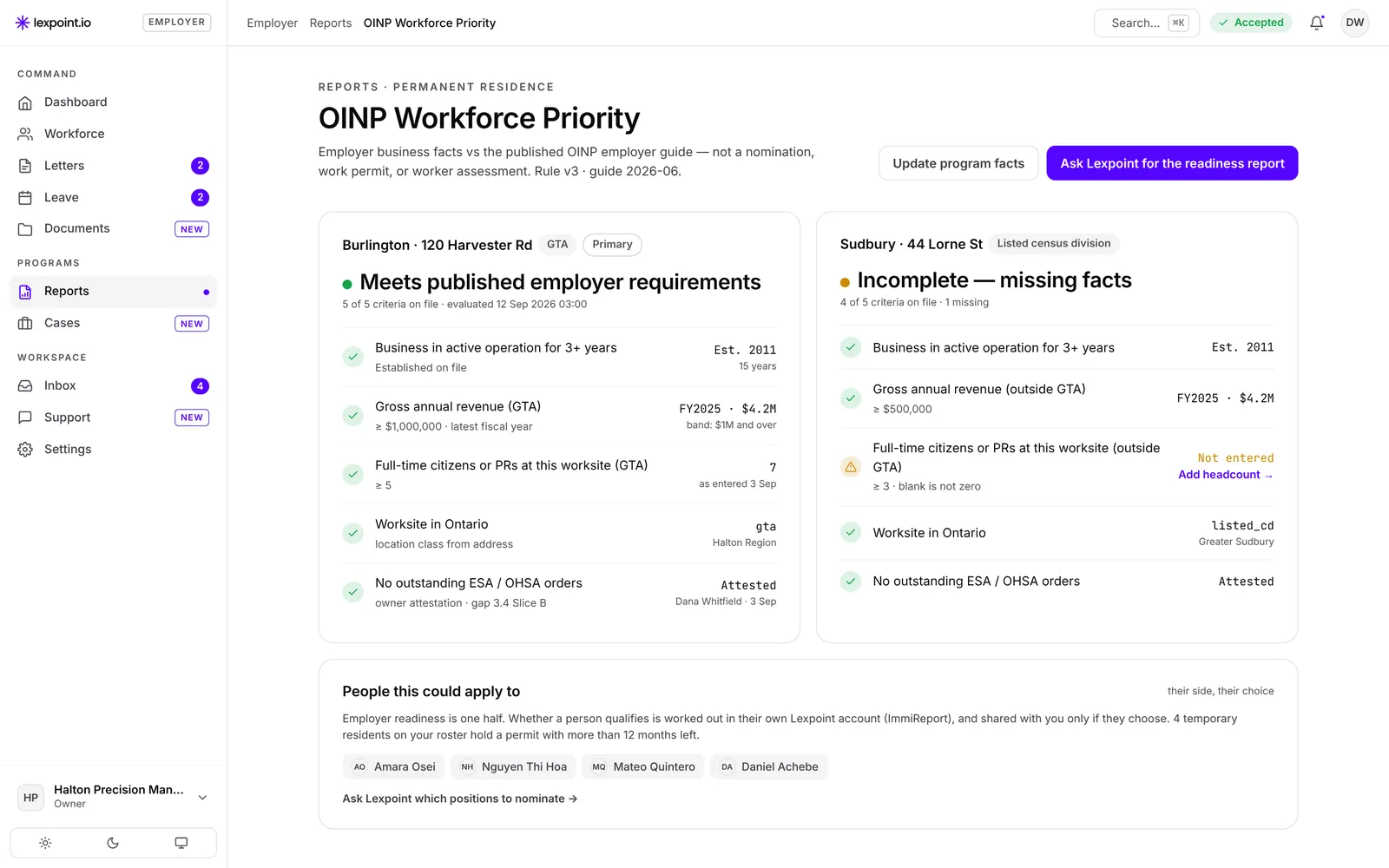
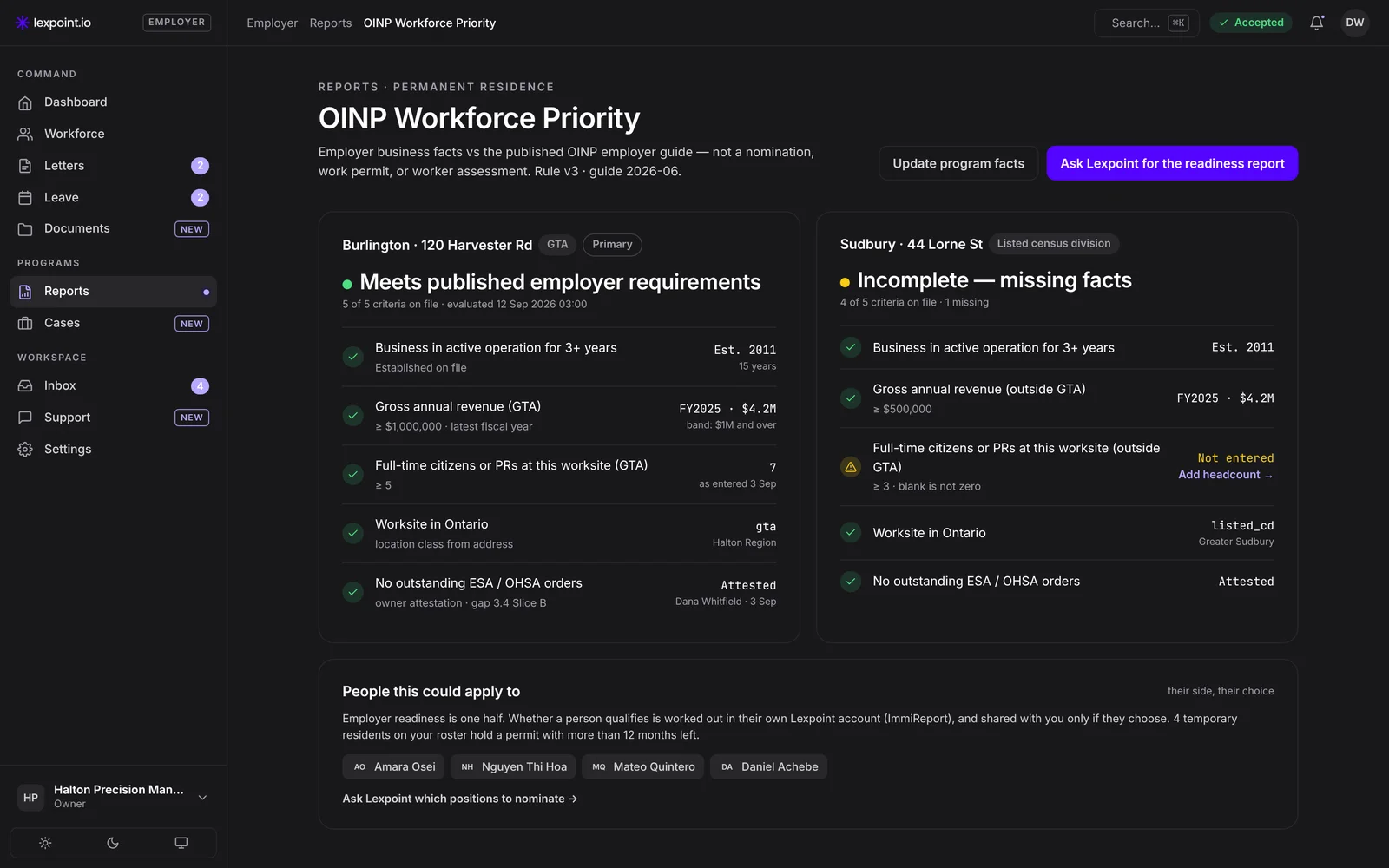
OINP worksite check
For OINP Workforce Priority: each Ontario worksite against four of Ontario’s published employer requirements (years in business, Ontario premises, revenue, and full-time citizen or permanent resident staff), before you offer to support a nomination. Ontario decides.
Know where your team stands.
Create your employer account and invite your team. The report fills in as your people connect.
Free to create. No setup fee. Billing starts when the first person on a work or study permit accepts your invitation. Private beta: no charge until Lexpoint tells you in writing.
Who provides the service, and terms


Lexpoint Workforce is software from Lexpoint Inc. It does not give legal or immigration advice. Regulated services named on these pages, such as applications and consultations, are provided by Immigratic, a firm of licensed immigration consultants, under its own agreement. Its consultants are licensed by the College of Immigration and Citizenship Consultants. College register: register.college-ic.ca.
All prices are in Canadian dollars, before tax. Lexpoint Inc. sells and invoices the Lexpoint Workforce subscription. Applications and consultations are not part of it: you engage Immigratic, under its own written agreement and at its rates, or your own representative. Government decides every application. No government affiliation is implied. Lexpoint Workforce is not a payroll, HR or employment-law service.