Your own immigration account, free through your employer.
Connecting with your employer comes with your own Lexpoint account: ImmiReport across more than 60 permanent residence programs, your profile in one place, letters from your employer on request, and Lexi, your private AI assistant. The account is yours, and your employer never sees your plans.
New to Lexpoint? Open the link in your invitation email to create your account.
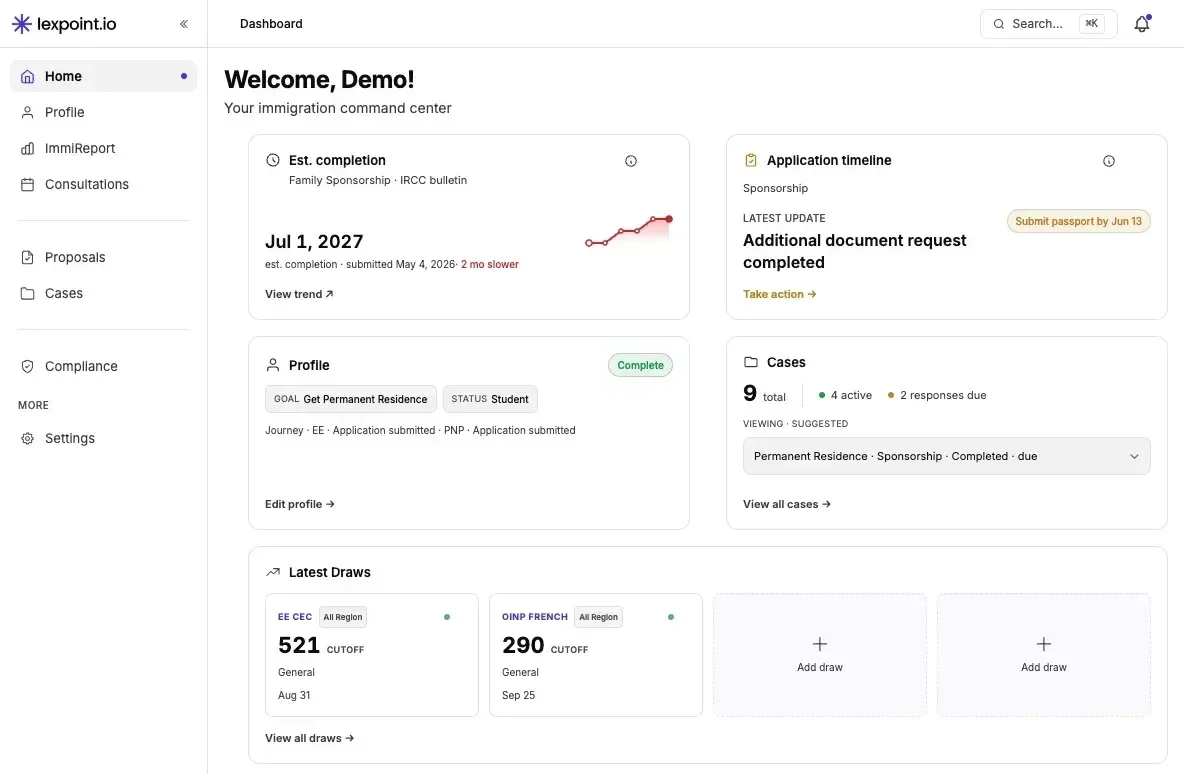
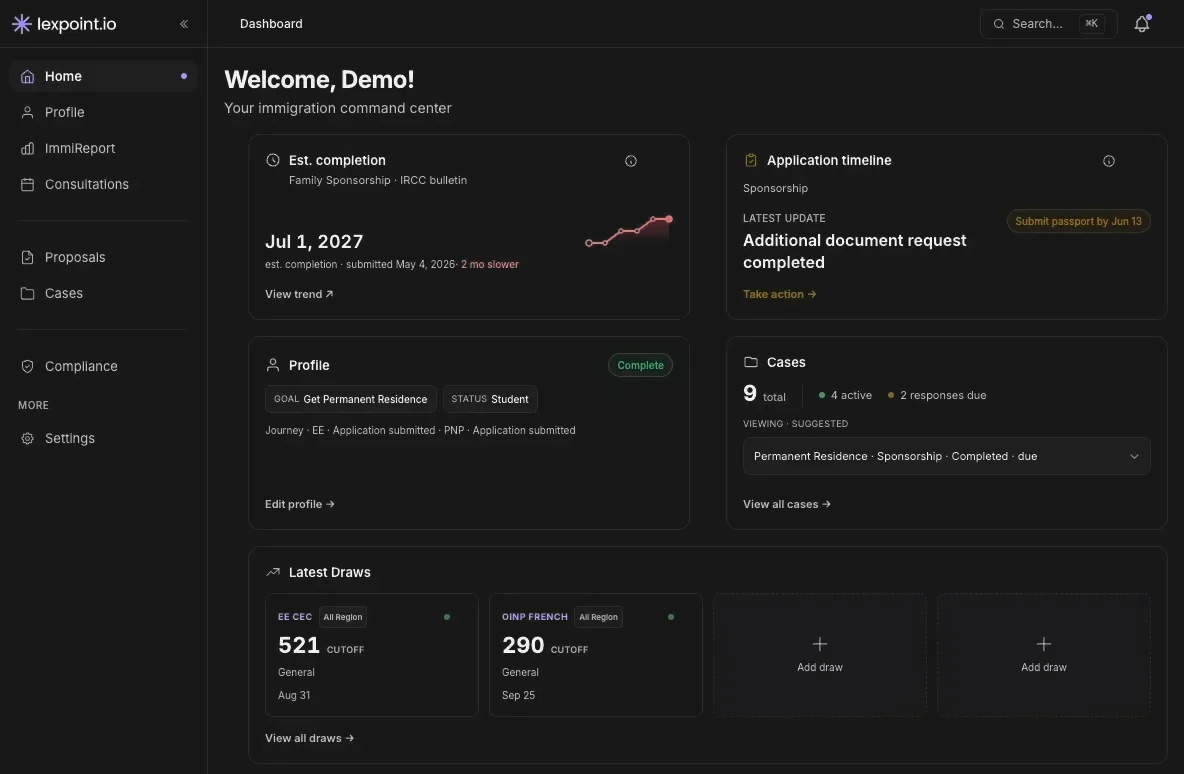
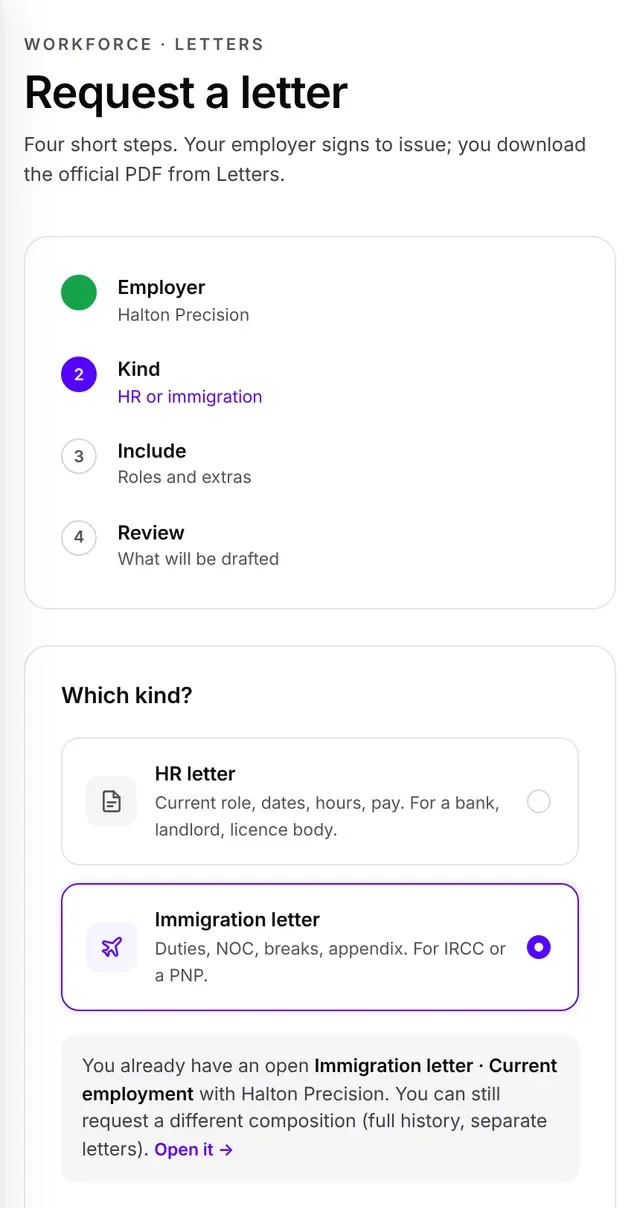
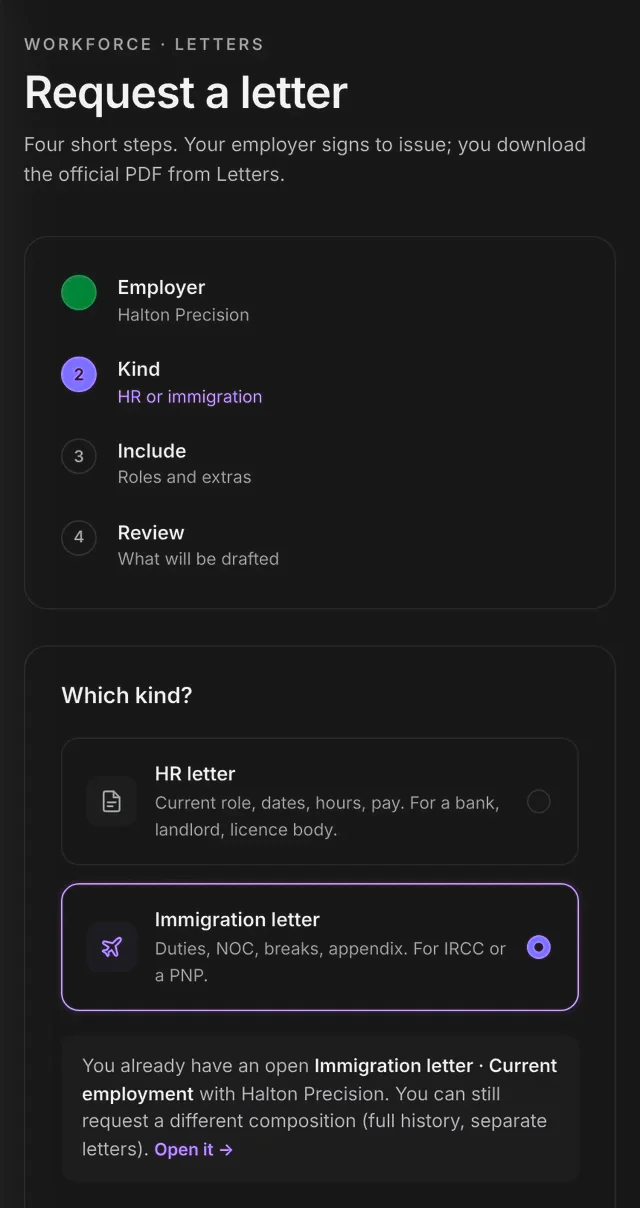
Demo account with sample data.
Your privacy
What your employer sees, and what it never sees.
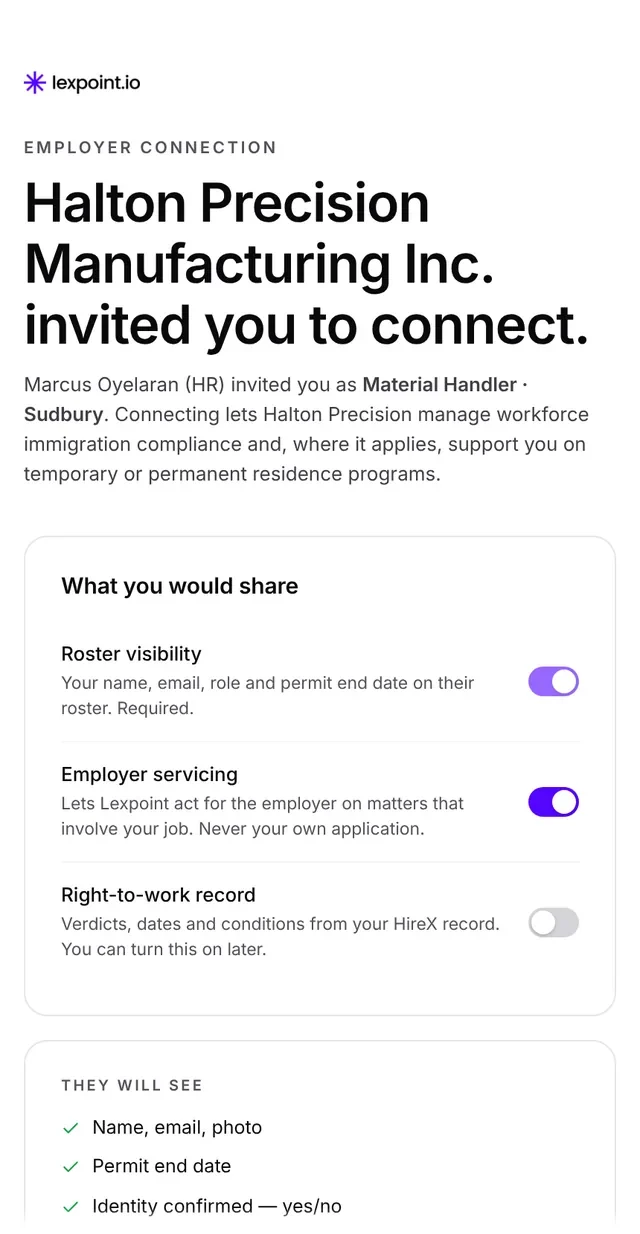
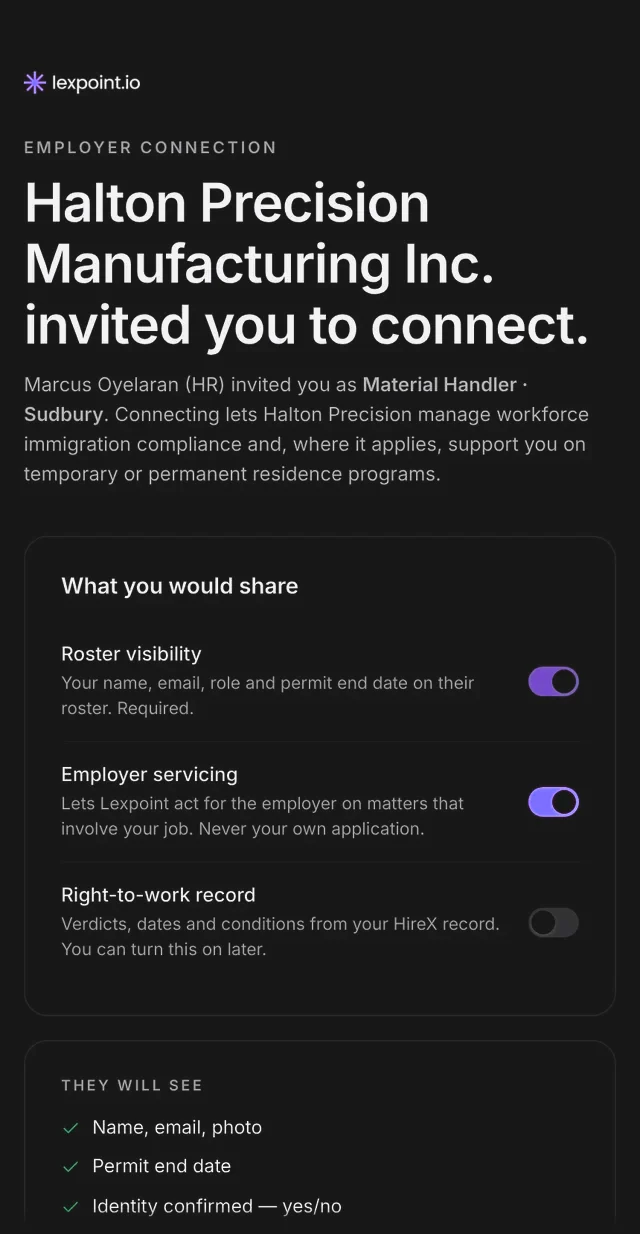
Nothing is shared until you confirm, and you can end the connection at any time in Settings. If you leave the company, the connection ends and your account stays yours.
- Your employer will see
- Your name, email and photo
- Whether your identity is confirmed
- Your permit end date, once it can come from your checked permit (not shared today)
- Whether your profile says you are in Canada on a work or study permit
- Jobs in your work history that name your employer
- The letter and time-away requests you send them
- Your employer will never see
- Passport number or date of birth
- Your ImmiReport, CRS or PR plans
- Your documents, family or other employers
- Your consultations, proposals or cases
If you have a case, your employer sees it only if you send them its timeline link: milestones and dates, with no names or documents.
Who else can see your ImmiReport. Lexpoint does not give advice, so when you sign up it assigns a licensed firm to your account to handle your questions. Unless the link you signed up with named another firm, that is Immigratic, and it can view your ImmiReport and the profile behind it, including your work history and family details. Immigratic also provides regulated services, such as applications, to employers on Lexpoint, which may include your employer. You cannot remove or replace your assigned firm in Settings yet.
Your account
What comes with your account, and what you can add.
Your employer pays for Lexpoint Workforce. Connecting costs you nothing.
Included with your account
- ImmiReport across more than 60 permanent residence programs
- Your profile, entered once and used everywhere
- Employment letters from your employer
- Lexi, your private AI assistant
ImmiReport Pro
A Lexpoint software plan, yours to add if you want it. Not included with your employer’s plan, and it does not include advice or an assessment by a consultant.
- The simulator: what one more language level or year of work would change
- Instant refresh of your report
- Full NOC Intelligence: wage, demand and outlook for your occupation
From a licensed professional
From a licensed consultant or lawyer you choose, such as Immigratic, the first firm on Lexpoint. Paid to them and agreed in writing before any work starts.
- Consultations and applications for you personally
- Case Studio, Lexpoint’s case workspace, once you sign a retainer with a professional on Lexpoint
ImmiReport
More than 60 routes to permanent residence, checked against your profile.
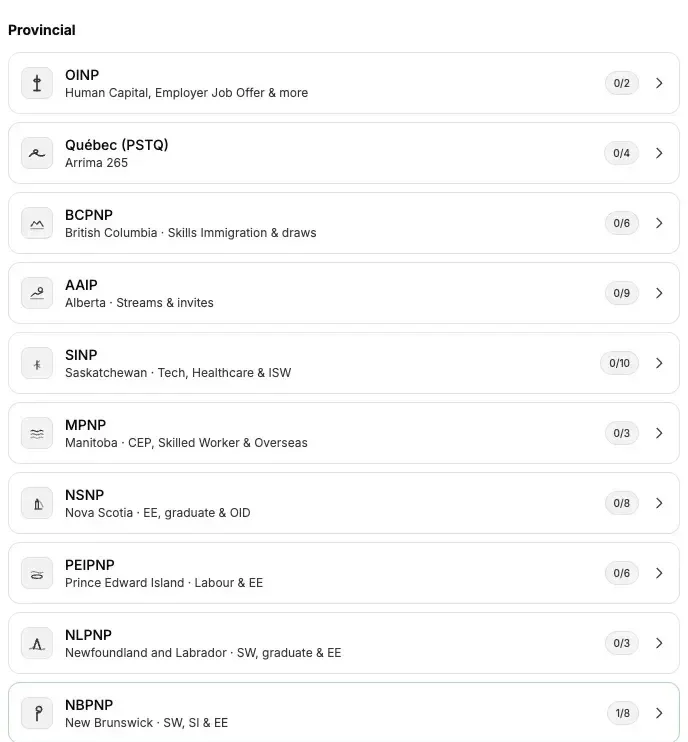
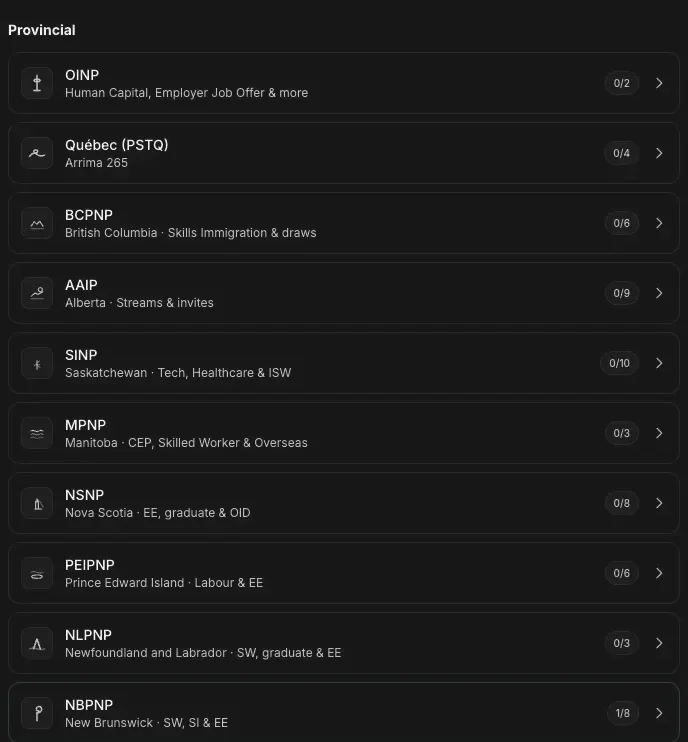
ImmiReport checks your profile against more than 60 permanent residence programs: Express Entry, the provincial nominee programs, Quebec, the Atlantic Immigration Program and family sponsorship, plus visitor and study options. When draws or rules change, your report changes with them.
- Your CRS score, with the latest draws on your home screen
- Each provincial program, stream by stream: what your profile shows against each published requirement, and what is missing
- Mark a job offer as employer-supported and see the routes it opens
- Share a read-only link with a PIN and an expiry date, and switch it off any time
Your profile
Enter your story once.
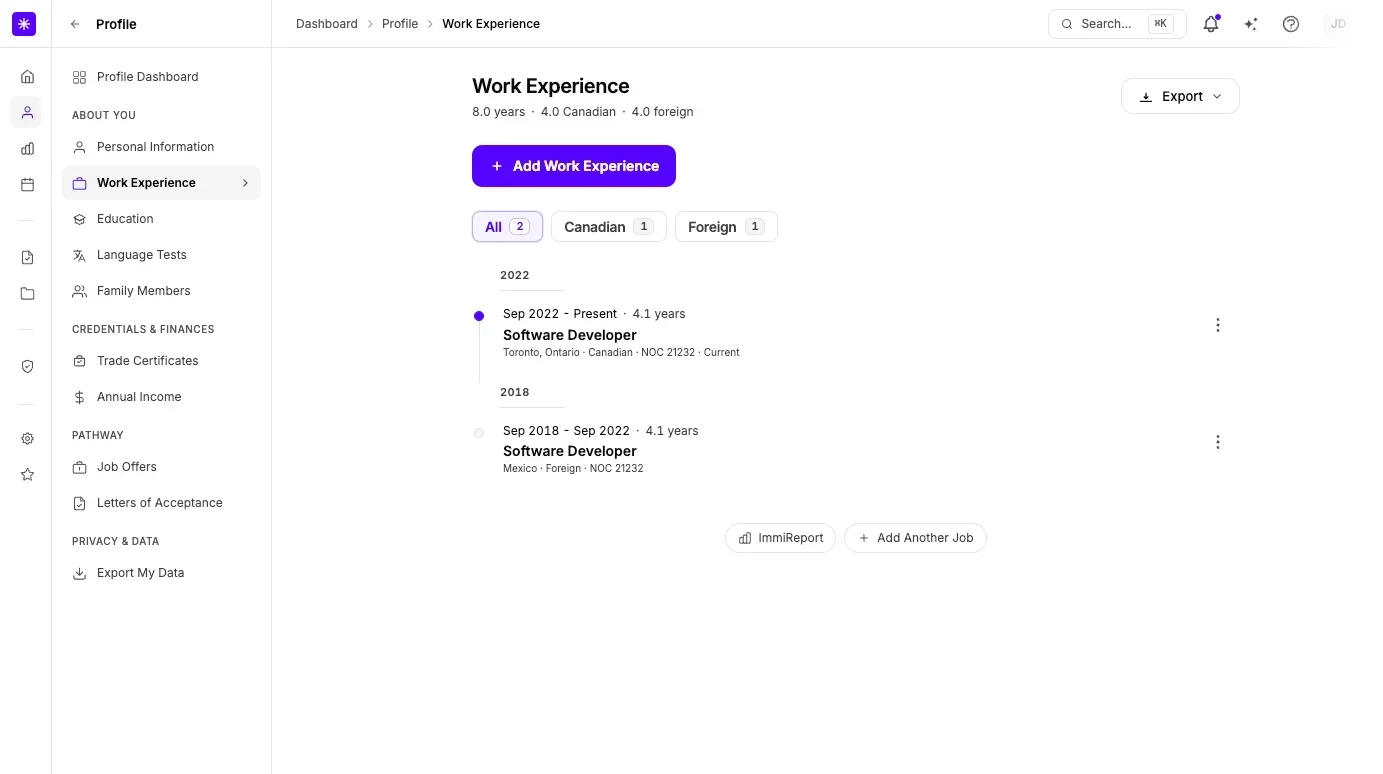
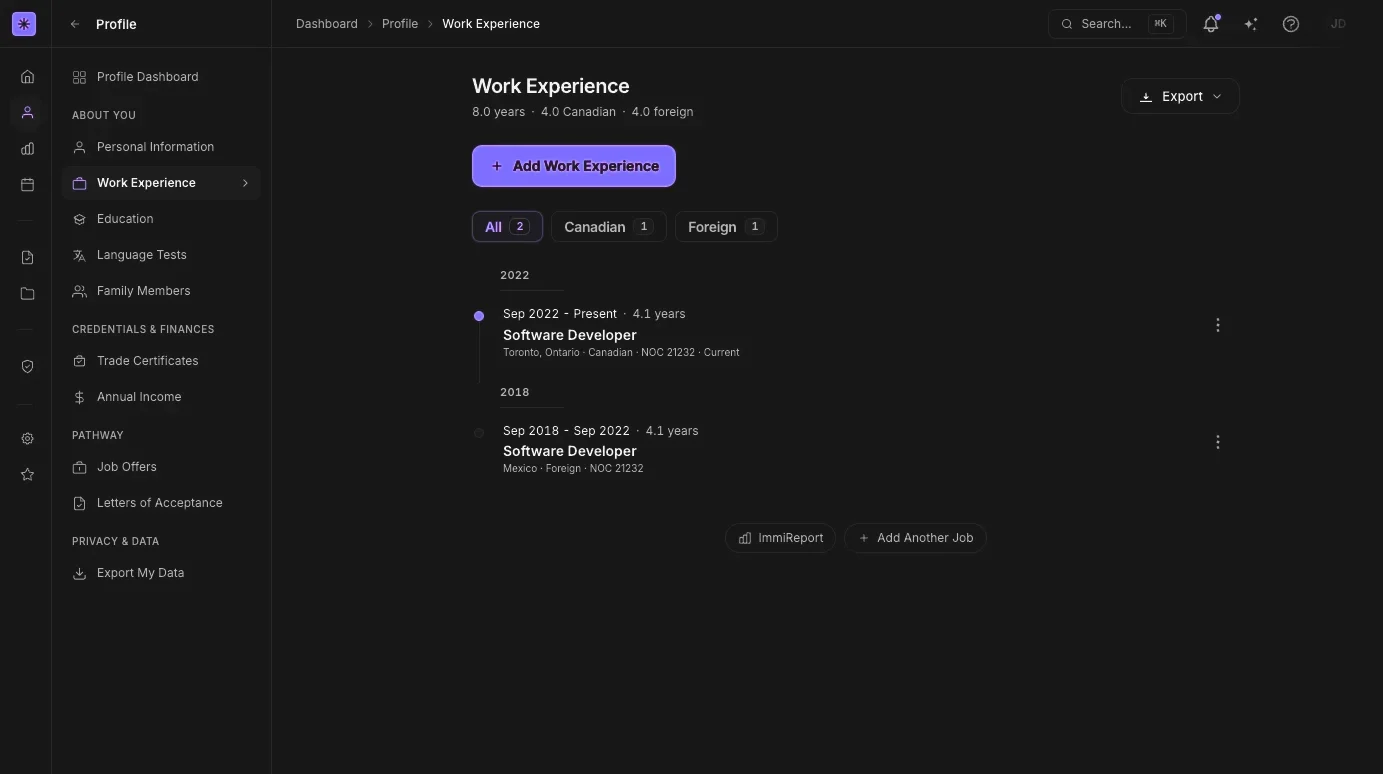
Work history, education, language tests, family, job offers and more, in one profile. ImmiReport, Lexi and your case all read from it, so you never retype the same details.
- Language results converted to CLB levels
- Canadian schools from the official list, with your credential assessment
- Jobs your employer confirmed, added to your work history
- Export your profile or a résumé at any time
Lexi
Lexi, your private AI assistant.
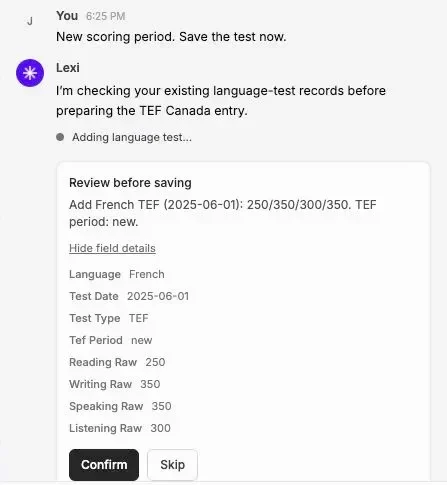
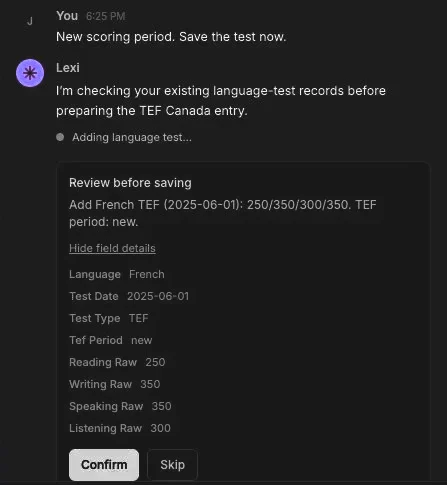
Lexi knows your profile, your ImmiReport, your cases and deadlines, and the latest draws and processing times. Ask about your own file from any page. Lexi can add a job or a test result for you, and changes nothing until you confirm.
- Answers about your own file, in plain language
- Updates your profile after you confirm
- Sends a message to your case team for you
Lexi is software. It explains what is in your account; for advice, talk to a licensed consultant or lawyer you choose. Your employer and firms on Lexpoint cannot read your Lexi conversations; the AI providers that run Lexi process your messages.
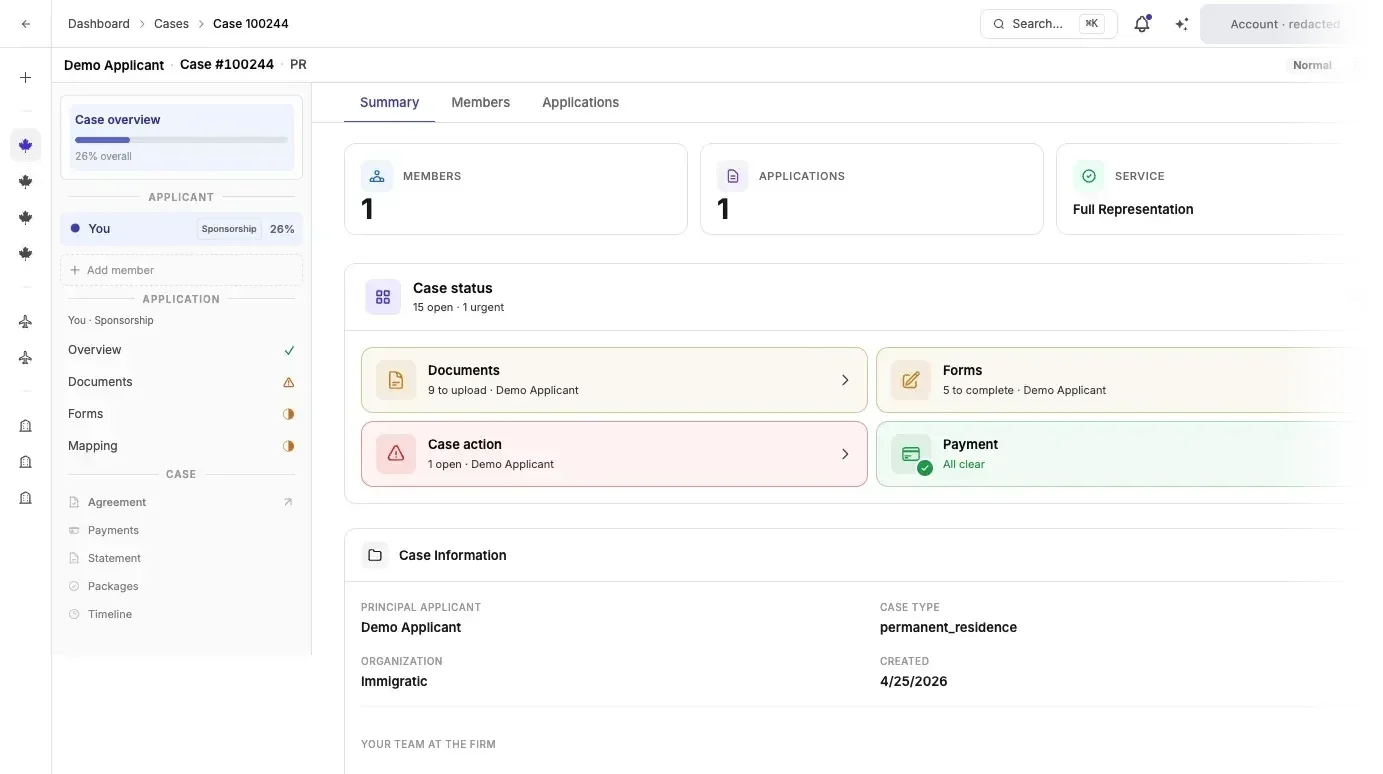
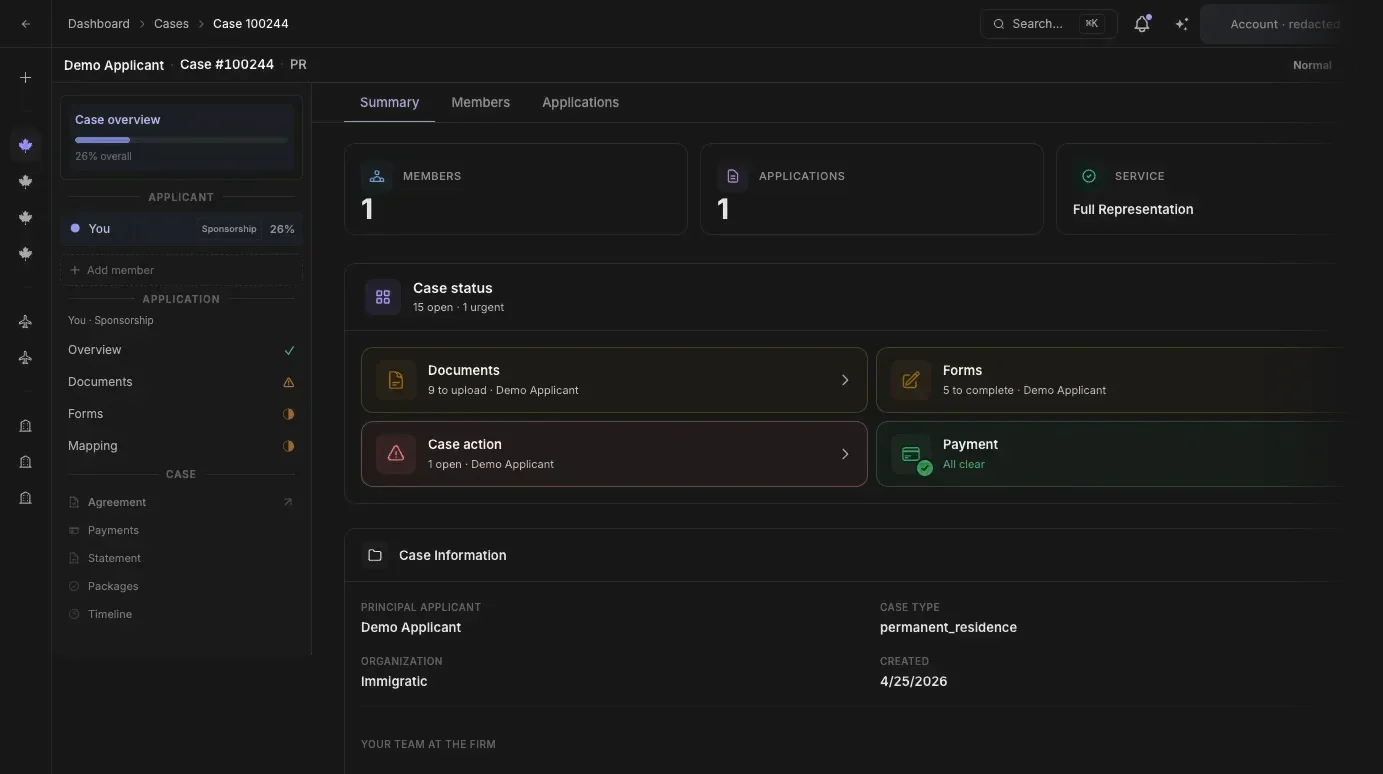
Your caseNeeds a signed retainer
When you hire a professional, your case runs in Case Studio.
Once you sign a retainer, your application has one workspace: requirements and uploads, IRCC forms filled from your profile, messages and meetings with your case team, and a dated timeline.
- Every document with its review status
- Forms you review and confirm before they are used
- Family members on the same case
- A private timeline link you can share with your employer: milestones and dates only
Your statusRolling out
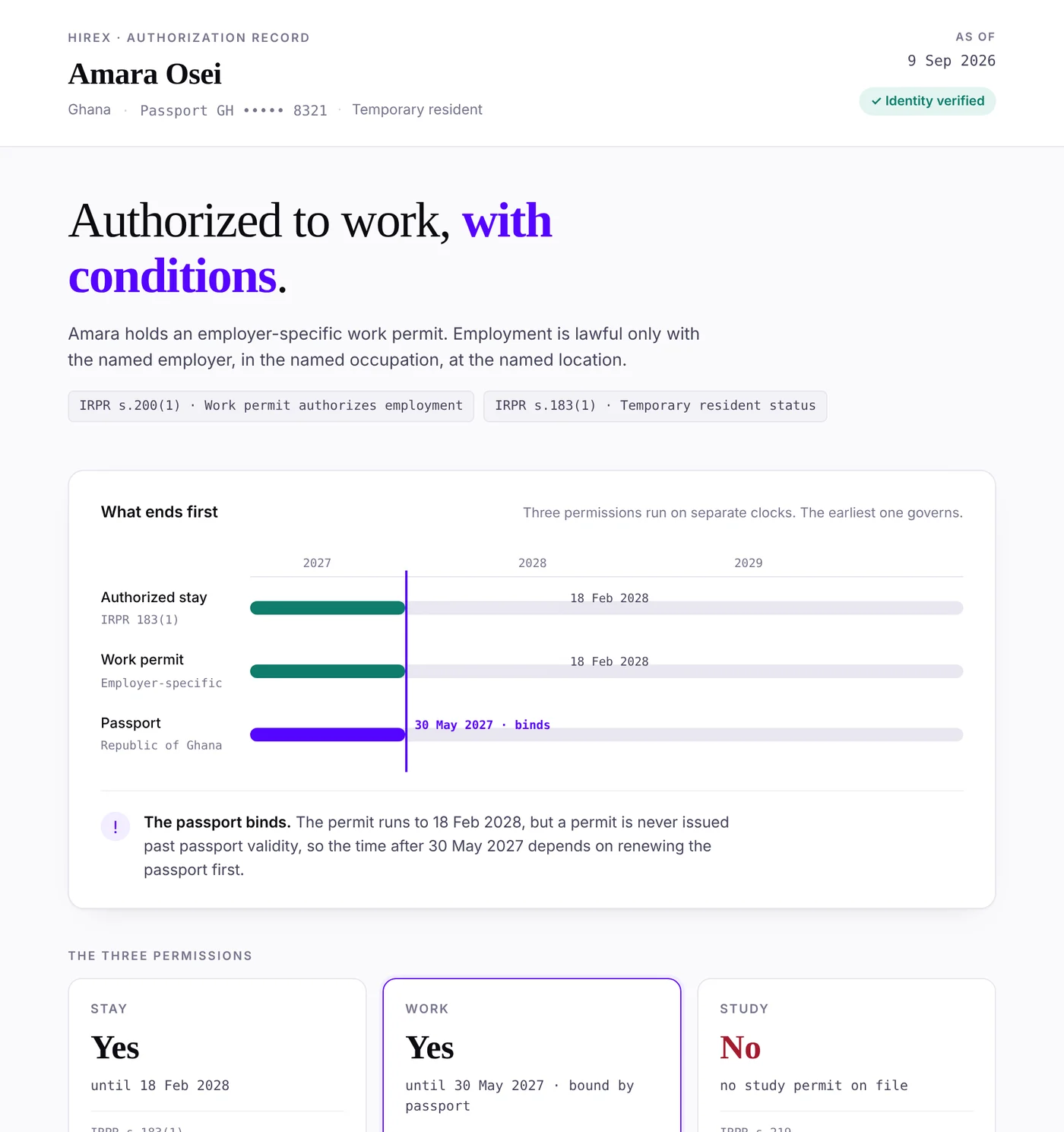
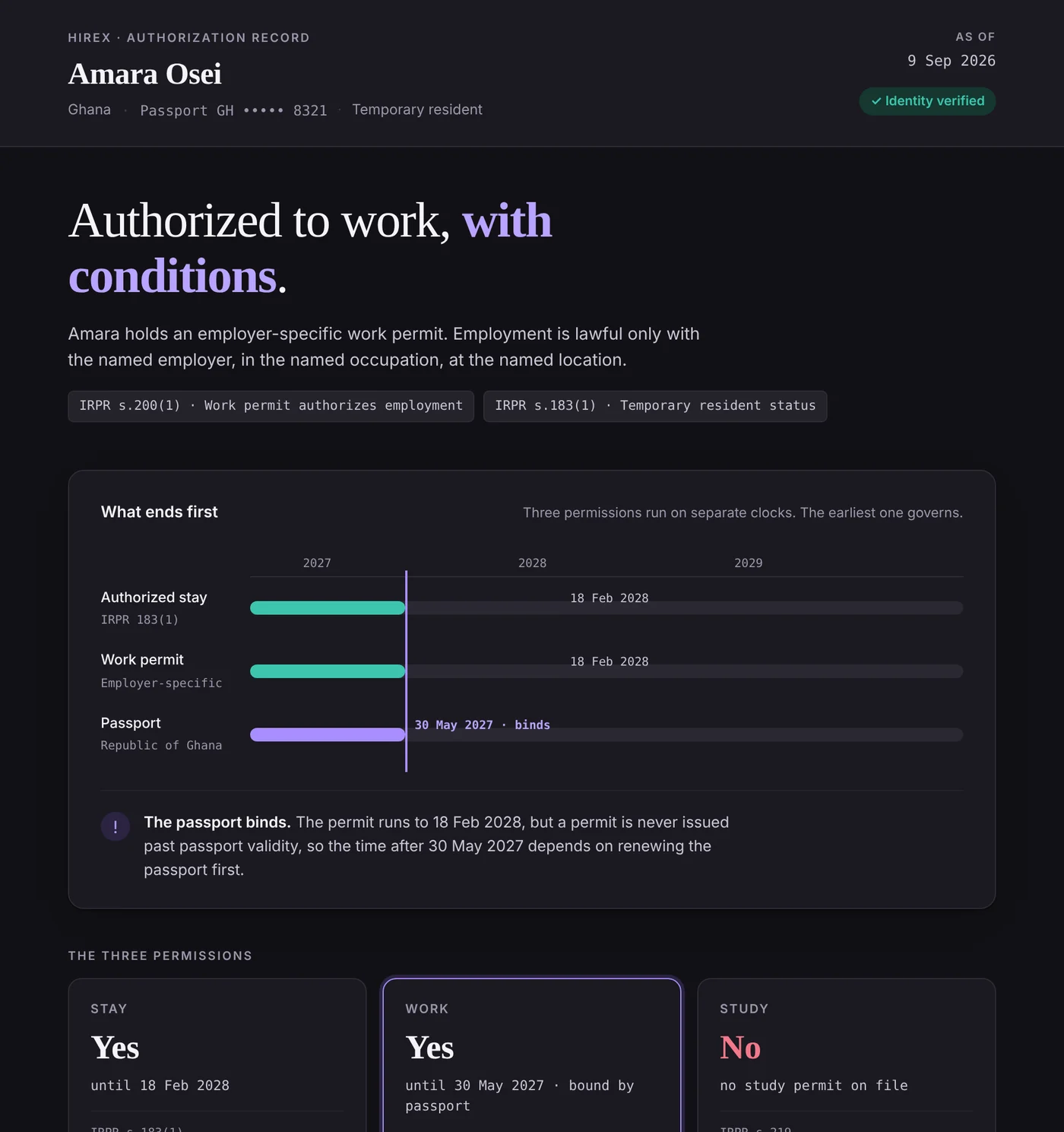
Know what ends first.
Your permit, your status and your passport run on separate clocks. HireX reads them together and shows which one ends first, so you can plan before it does.
- Work, stay and study, each with its end date
- The date that governs, flagged, with the rule behind it
- Border crossings and IRCC milestones in one place
Also in your account
Everything else you can do.
Your home screen
Your score, the latest draws and your next step. With an application in progress, its estimated completion date and latest update.
Employment letters
Ask your employer for an HR or immigration letter, and download the signed PDF.
Time away
Send leave requests to your employer from the same account.
Documents
The files from your cases in one vault, organized by case and by person.
Updates and alerts
Immigration news, policy updates and your account activity, by email or on Telegram.
Partner and delegates
Link your partner’s account, and let someone follow your case without acting on it.
Security
Sign in with Google or an email link, add two-step verification, and verify your identity.
Your data
Export your profile or a résumé at any time, or delete your account.
Support
Open a ticket and follow it through to an answer.
Questions
Questions employees ask.
Open the invitation from your employer.
Follow the link in the email. You will sign in or create your account, see what is shared, and choose whether to connect.
Who provides the service, and terms


Lexpoint Workforce is software from Lexpoint Inc. It does not give legal or immigration advice. Regulated services named on these pages, such as applications and consultations, are provided by Immigratic, a firm of licensed immigration consultants, under its own agreement. Its consultants are licensed by the College of Immigration and Citizenship Consultants. College register: register.college-ic.ca.
All prices are in Canadian dollars, before tax. Lexpoint Inc. sells and invoices the Lexpoint Workforce subscription. Applications and consultations are not part of it: you engage Immigratic, under its own written agreement and at its rates, or your own representative. Government decides every application. No government affiliation is implied. Lexpoint Workforce is not a payroll, HR or employment-law service.